
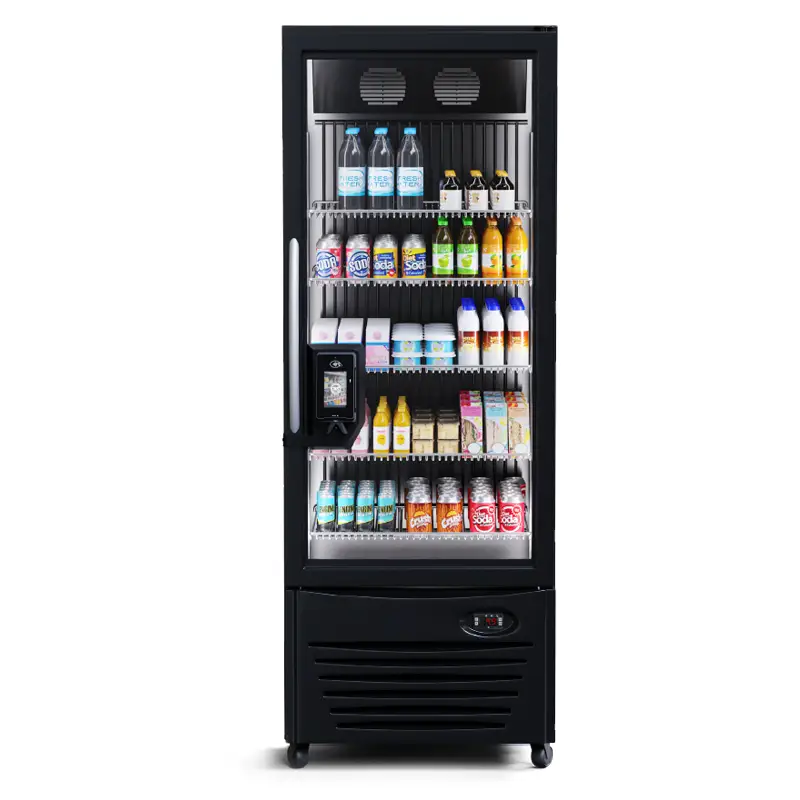
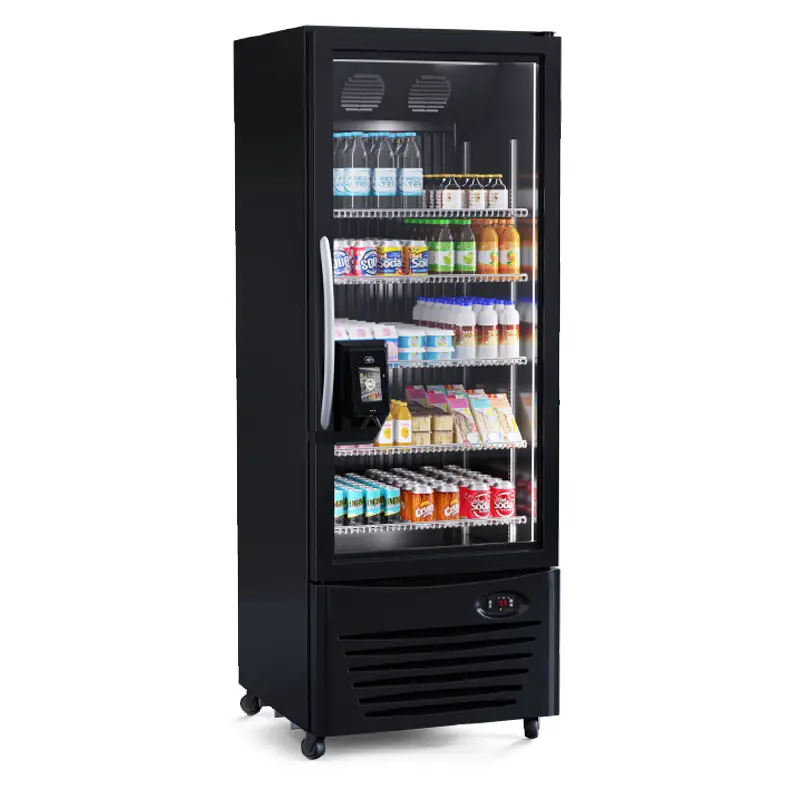

Step 1: Payment Terminal
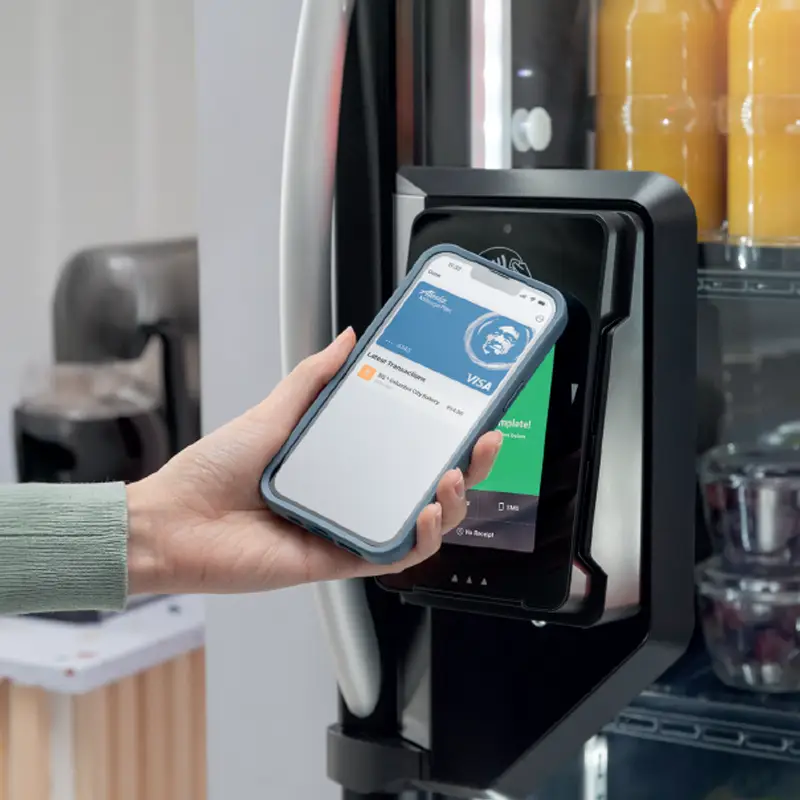
At the payment terminal, tap, insert or swipe a credit/debit card or use a mobile wallet like Apple Pay or Google Pay. You can also unlock PicoCooler Vision with the 365Pay mobile app using your account QR code
Note: If using your market account as your payment method, you must have a default credit card assigned to your account.
Step 2: Select Items
Select any items you’d like to purchase.
Change your mind? Put the item back in the spot it came from and you won’t be charged.
Step 3: Transaction Done
Once the door is closed, the PicoCooler Vision will lock and the transaction is finalized.
Note: If using the 365Pay mobile app, your receipt will display in your app after the transaction is completed. If paying with credit card or mobile, follow the prompts on screen to choose your receipt options.


